Define BIM requirements in plain language.
Generate validated IDS files.
The AI workspace for turning project briefs into structured information requirements, reusable specifications and standards-compliant IDS files.
We review every request and aim to reply within two business days.
Private beta · invite-only · free while in beta. Future pricing will be shared before any paid plan begins.
BIM requirements live in too many places.
Spread across documents, spreadsheets and chats. Hard to align on, hard to reuse.
Every team reads the same brief its own way.
Requirements are rewritten from scratch on every project.
Gaps surface only when the model is already delivered.
Describe. Structure. Reuse. Publish. Validate.
A single path from a plain-language brief to a validated IFC delivery.
Write requirements in plain language.
AI extracts entities, properties, types and constraints.
Organise requirements into libraries and sets.
Export standards-compliant IDS files.
Check incoming IFC models against requirements.
Natural language, precise requirements.
Describe what the model must contain. IDS Compass finds the entities, properties, data types and constraints. You can review and edit everything.
“All pumps in the mechanical plant room must have a manufacturer, model number, serial number and warranty expiry date.”
Build once. Reuse across projects.
Requirements become shared team knowledge — versioned, easy to find, and reused on every project your team runs.
One requirement. One source of truth.
Owners, information managers, designers and contractors all work from the same specification.
Defines what information is needed.
Structures and standardises requirements.
Delivers information in the model.
Checks the IFC model against IDS.
Receives reliable, structured information.
Built on open BIM.
Open by design. Every specification is a valid IDS file. Every check runs against IFC.
<ids:specification name="Level 02 · Fire safety">
  <ids:applicability>
    <ids:entity name="IFCDOOR"/>
    <ids:property propertySet="Pset_DoorCommon">
      <ids:name>FireRating</ids:name>
      <ids:value>EI60</ids:value>
    </ids:property>
  </ids:applicability>
</ids:specification>IDS in Practice.
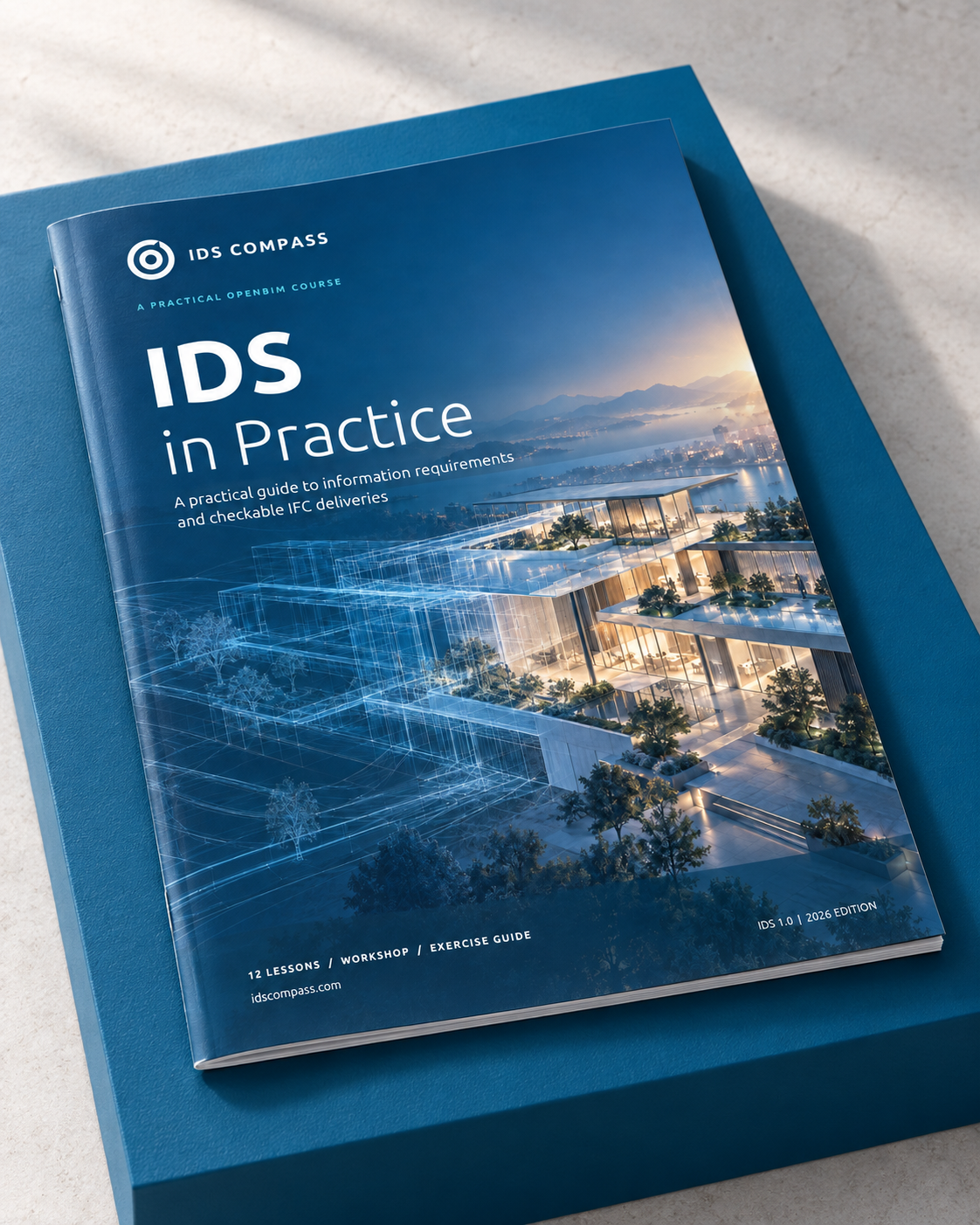
A practical guide to information requirements and checkable IFC deliveries. From first brief to a validated model, with examples you can use on your next project.
Frequently asked.
What is IDS?
+
IDS (Information Delivery Specification) is the open buildingSMART standard for writing BIM information requirements in a machine-readable way. It lets you check IFC models automatically.
Do I need deep IFC or Revit knowledge?
+
No. You describe requirements in plain language. IDS Compass maps them onto IFC entities, property sets and data types for you. You can review or override anything.
How does the AI work?
+
The AI pulls entities, properties, data types, values and constraints out of your text. Every result is clear and editable. Nothing is published without your review.
Can I edit the requirements manually?
+
Yes. Every field the AI proposes is editable. You can also author requirements from scratch.
Can I reuse requirements across projects?
+
Yes. Requirements live in a versioned library. You can group them into sets and share them across projects, phases and teams.
Can I export valid IDS files?
+
Yes. IDS Compass creates standards-compliant IDS 1.0 files that work with any IDS checker.
Can I validate IFC models?
+
Yes. Upload an IFC model and get a pass/fail report against your requirements.
Who is IDS Compass for?
+
Mainly BIM and Information Managers. Owners, consultants and contractors use it to agree on and deliver against the same specifications.
Is the beta free?
+
Yes. The private beta is invite-only and free of charge. Future pricing has not been decided. We will explain any pricing before a paid plan starts.
Make BIM information requirements
predictable.
Join the IDS Compass beta. Help shape AI-powered BIM information requirements.
We review every request and aim to reply within two business days.
Private beta · free while in beta.